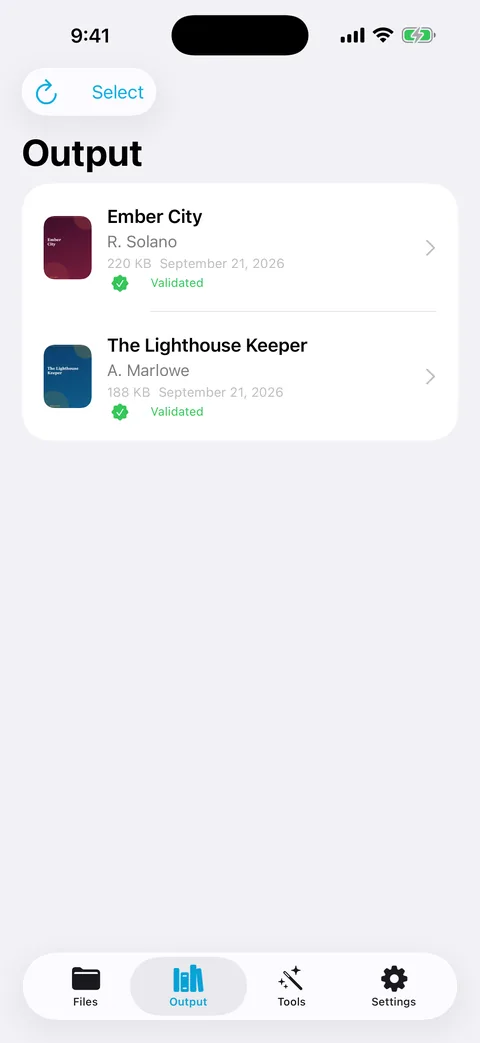
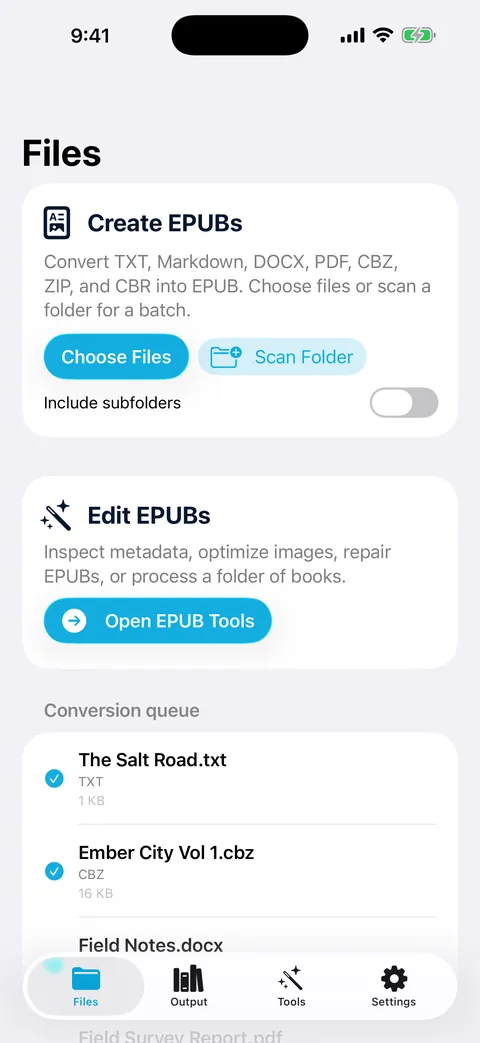
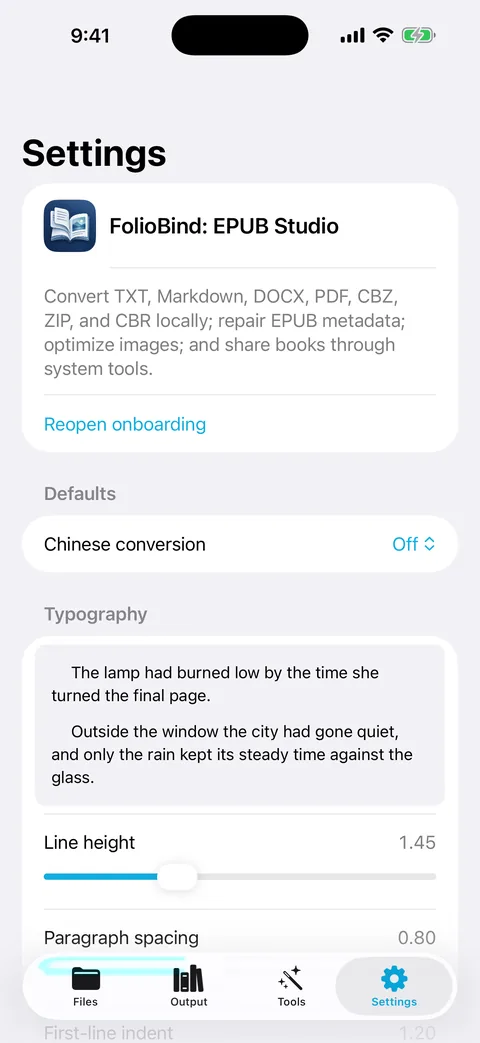
FolioBind finds the chapters in your TXT, Markdown or Word file, builds the table of contents, embeds the pictures your text links to, and adds a cover. It also inspects and repairs the EPUBs you already have. All on your iPhone or iPad.
Free download with one finished book per day. Pro adds unlimited output and batch conversion.
Real chaptersHeadings detected in 11 languages, or your own Start and End markers
Pictures where they belongImage links in your text become embedded images at the same spot
Fix, don't just convertInspect, repair and re-tag EPUBs you already own
Nothing leaves the deviceNo account, no server, no analytics
Try it
Watch a plain text file become a table of contents
Edit the sample or paste your own text. The preview applies FolioBind's heading rules for English, Chinese, Japanese and Korean, Markdown headings, or your own Start and End markers, and lists the image references it would embed.
Illustrative demo running in your browser on sample text. It uses a subset of the app's rules; the app supports more languages and options. Nothing you type is sent anywhere.
How it works
From a folder of text to a book you'd be proud to share
Chapters
Chapters and a table of contents, without regular expressions
Auto mode recognises headings like “Chapter 12”, “Part III”, “Prologue”, “第十二章”, “第3話” or “제5장”, and their equivalents in Spanish, French, Indonesian, Malay, Dutch, Portuguese and Russian. If your file uses its own style, type what comes before and after the number.
Markdown files can split on # headings
Legacy encodings such as GB18030, Big5 and Shift_JIS are detected automatically, or you can pick one
Title, author and language are filled in for you, and you can override them
Images
Your image links become pictures in the book
If your text says [image: map.jpg], , <img src=…> or just a picture's web address, FolioBind fetches or finds the image and embeds it right there, in its own place in the chapter. Readers see the illustration offline.
Six reference styles, plus plain image URLs and file paths
Google Drive, Dropbox and OneDrive share links are converted to direct downloads
Covers: use the first image, a generated title card or your own picture
Web images are fetched only when you switch on Embed remote images. Images next to your text file need Scan Folder. A reference that can't be found stays as text.
Finish
Typography you can see before you save
Adjust line height, paragraph spacing, first-line indent and margins with a live preview. Write Chinese or Japanese vertically, right to left, and convert between Simplified and Traditional Chinese offline.
EPUB 3 by default, real EPUB 2 when an older reader needs it
Convert images to JPEG and shrink oversized ones
Repair
Fix the EPUBs you already have
Open any EPUB in Tools to inspect it, rebuild a missing container or manifest, regenerate the table of contents, upgrade EPUB 2 to EPUB 3, embed remote images, remove embedded fonts or edit metadata for one book or a whole folder.
Validation is FolioBind's own structural check, not EPUBCheck. Books protected by DRM are refused.
Sources
Seven kinds of file in, one EPUB out
Reflowable
TXT and Markdown
Chapters, table of contents and embedded images, in any of the supported encodings.
Reflowable
Word (DOCX)
Text and images from a Word document, with the same chapter and image handling.
Fixed layout
PDF
Each page becomes an image page in the EPUB. Text isn't reflowed or recognised.
Fixed layout
CBZ, ZIP and CBR
Comic and image archives become picture books, page by page.
Edit
EPUB
Inspect, repair, restyle and re-tag books you already have.
Deliver
Share anywhere
Send the finished book to Apple Books, the Kindle app or Mail with the share sheet, or receive files through FolioBind's share extension.
Yes, with one successful output per day: one converted book or one saved edit. Inspecting books isn't limited. Pro removes the daily limit and adds batch conversion of whole folders.
Does it work offline?
Yes. Conversion and repair run on your device. The network is used only to fetch web images you've asked it to embed, to share or mail a book, and for App Store purchases.
Is there a Mac or Windows version?
FolioBind is for iPhone and iPad. A separate, simpler Windows app, TXT to image EPUB, converts TXT files only and isn't a version of FolioBind.